1 - Simply copy the folder 'sofly-airport-alive-global-base-pack' to your Microsoft Flight Simulator 2024 Community Folder.
2 - Launch your sim and head to one of the 500 listed airports.
3 - You will now hear audio.
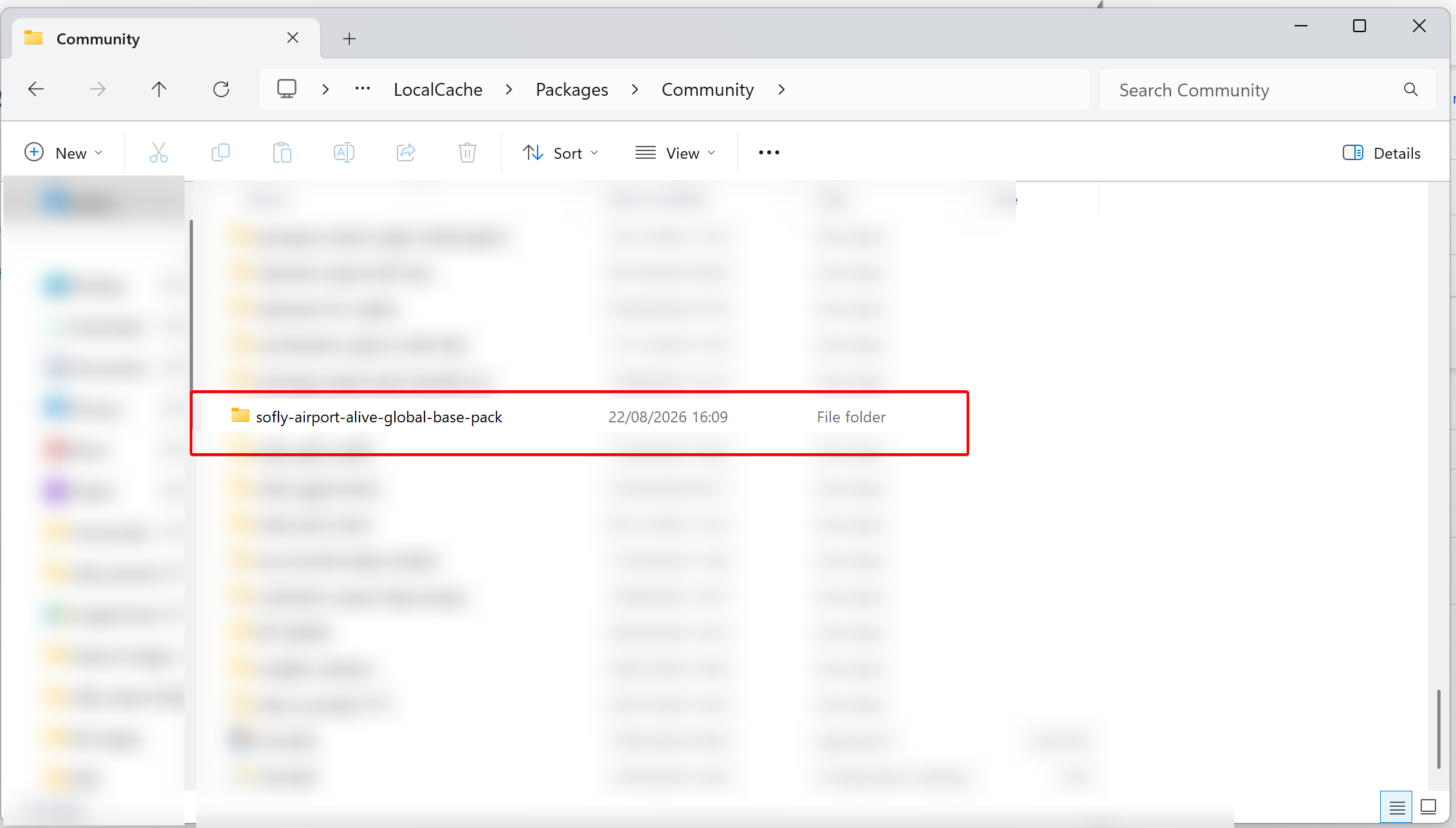
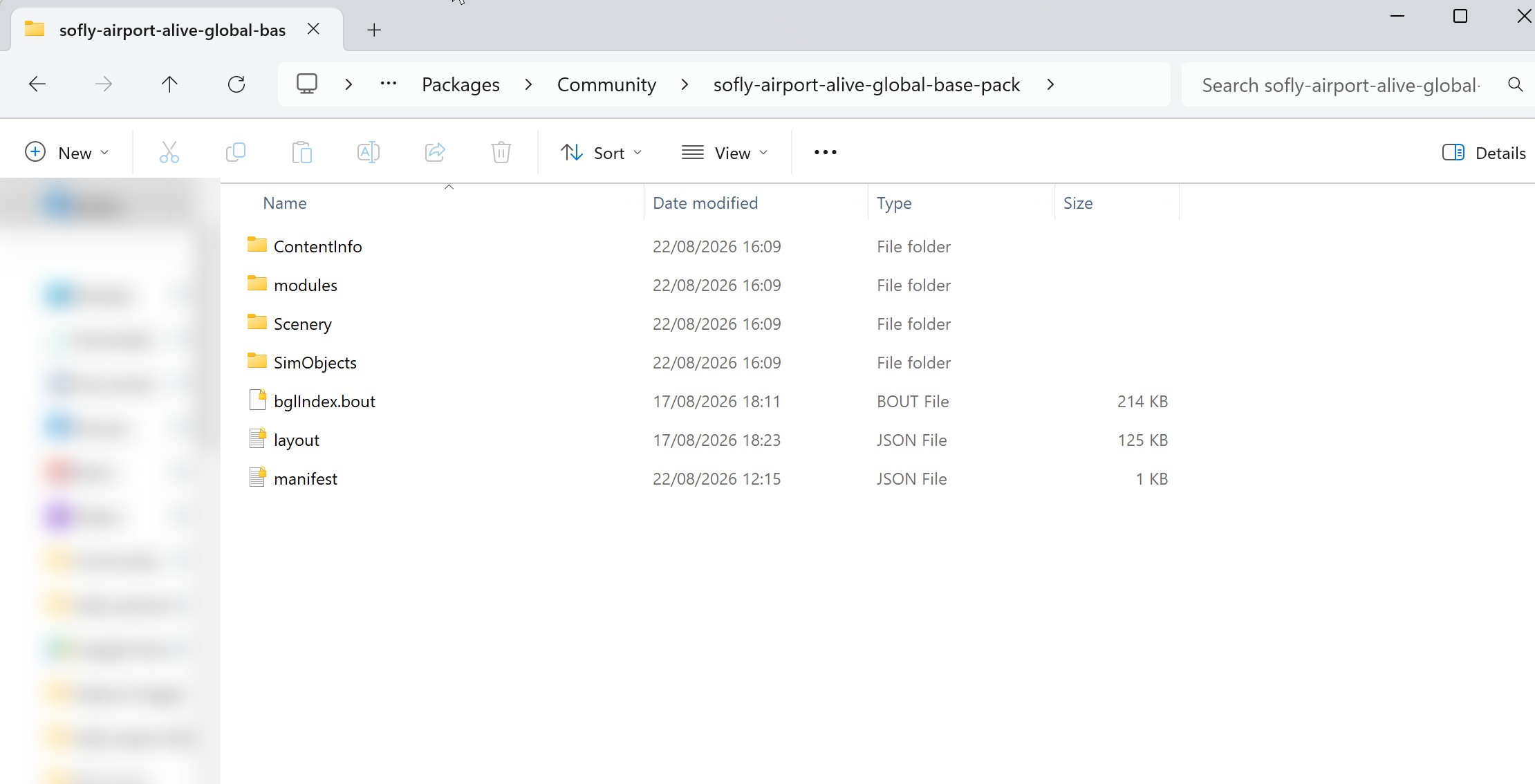
A successful installation will look like this:
Community Folder >>
Contents of the sofly-airport-alive-global-base-pack >>
Was this article helpful?
That’s Great!
Thank you for your feedback
Sorry! We couldn't be helpful
Thank you for your feedback
Feedback sent
We appreciate your effort and will try to fix the article